

Salik Recharge UAE: How to Check Balance and Top Up Easily
Check your Salik balance and top up safely through official online, app, SMS, call centre and recharge card channels.

Have your Salik account number, vehicle details, or a recharge card ready? The information available to you determines the quickest official way to complete a Salik recharge in the UAE.
Drivers can add credit through the Salik website, Smart Salik app, SMS, self-service call centre, and selected recharge-card channels. This guide explains what each method requires, how to check your balance, and what to do when you cannot access your account details.
What Is Salik?
Salik is Dubai’s electronic toll-collection system. Vehicles do not need to stop at a toll booth. When a registered vehicle passes through a Salik toll gate, the applicable charge is deducted from the Salik account linked to that vehicle.
Through its digital services, Salik allows account holders to:
- Check their account balance
- Recharge an account
- View registered vehicles
- Review trip history
- Activate a Salik tag
- Add another vehicle
- Retrieve account details
- Check or pay Salik fines
Which Salik Recharge Method Should You Use?
The quickest Salik recharge method depends on the account information or payment option you have.
| What you have | Suitable official method |
| Salik account number and PIN | Salik website or Smart Salik app |
| Complete vehicle details and registered mobile number | Supported vehicle-verification service |
| Recharge card or e-voucher | SMS, Smart Salik app or self-service call centre |
| Forgotten account number or PIN | Salik account-retrieval service |
| Details of another Salik account | Account-recharge service in the Smart Salik app |
| Cash and no digital payment option | Buy a recharge card from an approved outlet |
Salik also lists its website, the Smart Salik app, Careem, and TAMM as supported credit-card recharge channels. Selected kiosks and cash-deposit machines operated by Emirates NBD and Dubai Islamic Bank may also be available.
Customers should check the latest instructions on the selected official platform before completing a payment.
How to Check Your Salik Balance
Check your Salik balance before recharging, particularly if a previous payment may still be processing.
1. Check Through Your Salik Account
Sign in through the official Salik website or Smart Salik app. The account dashboard displays your balance and other account information.
You will normally need:
- Your Salik account number
- Your account PIN
Customers who have forgotten these details can use the account-and-PIN retrieval option available on the official sign-in page.
2. Check Using Vehicle Details
Some supported services can identify an account using complete vehicle details and the mobile number registered to the account.
You may be asked to provide:
- Plate source or emirate
- Plate category
- Plate code
- Plate number
- Registered mobile number
A plate number alone may not be enough. Enter every identification field requested by the official service.
How to Complete a Salik Recharge Online
The official Salik website and Smart Salik app provide the most direct digital recharge options.
1. Recharge With an Account Number and PIN
Follow these steps:
- Open the official Salik recharge page or Smart Salik app.
- Select the account-based recharge option.
- Enter your Salik account number and PIN.
- Choose an available recharge amount and payment method.
- Review the receiving account details.
- Confirm the transaction.
- Keep the payment reference until the balance updates.
Always confirm that the account number belongs to the account you intend to recharge.
2. Recharge With Vehicle and Mobile Details
On supported channels, customers may identify an account using vehicle information and the registered mobile number.
The service may request:
- Plate source
- Plate category
- Plate code
- Plate number
- Registered mobile number
Complete every field displayed on the official form. This should not be described as a recharge by plate number alone because additional plate information and the registered mobile number may be required.
How to Recharge Through the Smart Salik App
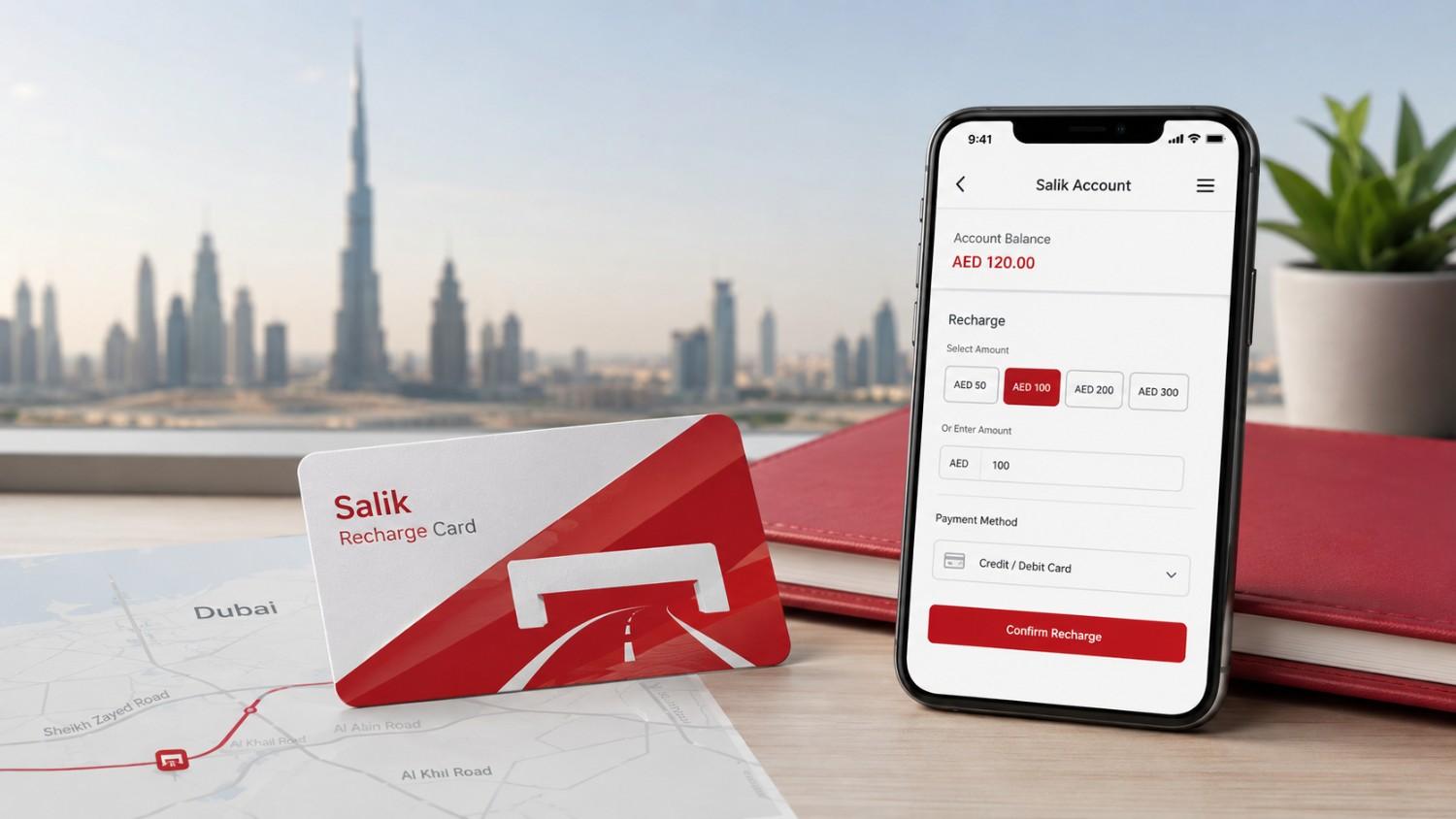
To recharge through the Smart Salik app:
- Open the official app and sign in.
- Select the recharge service.
- Choose the receiving account and recharge amount.
- Select a payment method.
- Review the details and confirm the payment.
- Check the updated balance after processing.
Download the app only from its official Google Play or Apple App Store listing.
Official sources:
How to Buy and Redeem a Salik Recharge Card or E-Voucher
Salik recharge cards are a convenient option for customers who prefer to pay in cash or avoid using a credit card online.
They are available at selected ENOC, ADNOC, and Emarat petrol stations. E-vouchers can also be purchased through Axiom Telecom and its authorised partners.
Availability may differ by branch, so keep the receipt and voucher details until the recharge amount appears in your Salik account.
1. Recharge by SMS
SMS recharge is available for redeeming a Salik recharge card or e-voucher. It is not a general credit-card payment service.
According to Salik, customers send the following information to 5959:
- Salik account number
- Account PIN
- Recharge number
Use the exact format printed on the current recharge product or shown in the official instructions. Salik sends a confirmation message after a successful recharge.
2. Recharge Through the Call Centre
Call 800 SALIK — 800 72545 and follow the automated instructions.
Keep your account credentials and recharge-card details ready, if required. Verify the receiving account before completing the recharge.
Can You Recharge Salik Without an Account Number?
Yes. Supported Salik services may identify your account using complete vehicle details and the registered mobile number.
Customers who have forgotten their account number or PIN can use the Retrieve Account & PIN option on the official Salik sign-in page.
How to Register and Activate a New Salik Tag
Recharging an existing account and activating a new tag are separate processes.
Salik’s activation service allows a customer to register a purchased tag and create a new account. The process may require information from:
- The Salik tag
- The activation key
- The vehicle registration card
- The account holder
Existing customers can use the relevant Salik service to connect an additional vehicle to their account.
Drivers should use the information printed on the tag package and vehicle registration documents when completing the activation process.
Official source: Register and Activate a Salik Tag
Read more: How to Register Salik in Dubai: Step-by-Step Guide
What to Do if Your Salik Balance Does Not Update
Keep the transaction reference and confirm that the correct account or vehicle details were entered.
Check the balance through the Salik website or Smart Salik app. If a confirmed payment is still not reflected, contact Salik at 800-72545.
Avoid repeating the transaction immediately, as both payments may eventually be processed.
How to Update Your Registered Mobile Number
Salik provides a dedicated service for amending account data. Its official service page instructs customers to contact the call centre on 800 72545 and provide the requested information.
This service is particularly relevant when the mobile number registered to the account needs to be updated.
Vehicle additions or tag activation should be completed through the relevant vehicle or tag service rather than treated as a general account-data amendment.
Official source: Amend Salik Account Data
Salik Recharge and Salik Fines Are Separate
A Salik recharge adds toll credit to an account. It does not automatically pay an existing Salik fine.
| Service | Purpose |
| Salik recharge | Adds usable toll credit |
| Salik fine payment | Pays an existing Salik violation |
Customers should check and pay listed violations through the dedicated Salik fines service.
Official source: Pay Salik Fines
Read more: Salik Fine Check Dubai: How to Check Fines Online
Final Verdict
The Salik website and Smart Salik app are the easiest recharge options for most customers.
Those without their account credentials can use the official retrieval service or an eligible vehicle-verification option. Recharge cards are also suitable for customers who prefer cash payments.
Always use an approved channel, verify the receiving account, and keep the transaction reference until the balance updates.
For more useful updates, explore ArabWheels blogs covering UAE automotive news, ownership tips, and practical road-service guides.
FAQs About Salik Recharge in the UAE
The official Salik website is salik.ae. It provides access to account sign-in, recharge, tag activation and other Salik services.
Supported services may identify an account using complete vehicle details and the registered mobile number. A plate number alone may not be sufficient.
The Salik call-centre number is 800 SALIK — 800 72545. The SMS number for supported recharge-card and e-voucher requests is 5959.
A PIN is required for the account-number route and SMS recharge-card process. Supported vehicle-verification services may instead request vehicle details and the registered mobile number.
You can check your balance through the official Salik website or the Smart Salik app. Some supported services may also allow balance verification using vehicle and mobile details.
Yes. The Smart Salik app supports account-recharge services. Carefully confirm the receiving account before making a payment.
Salik lists ENOC, ADNOC, and Emarat petrol stations as recharge-card outlets. E-vouchers are also available through Axiom Telecom and authorised partners.
