
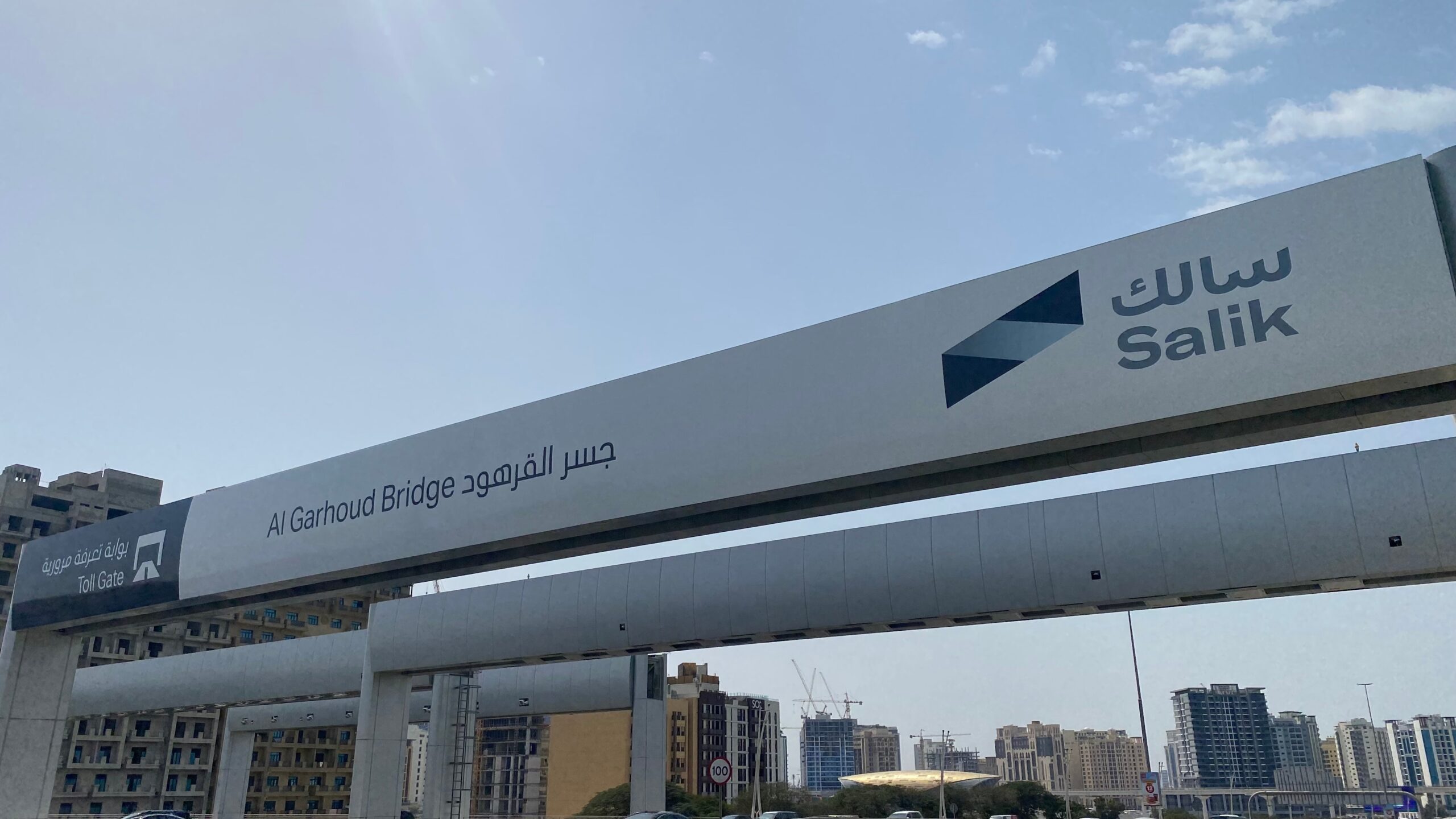
How to Register Salik in Dubai: Step-by-Step Guide (2025)
Step-by-step Salik registration guide for smooth driving in Dubai 2025.

If you’re looking for salik registration in Dubai, this step-by-step guide for 2025 has you covered.
Driving in Dubai is easy and enjoyable, thanks to wide roads, fast lanes, and no physical toll booths to slow you down. But to glide smoothly through the city, every driver needs a Salik tag Dubai’s electronic toll system. There’s no need to stop, pay cash, or wait. When you drive under a toll gate, the fee is automatically deducted from your account. It’s quick, easy, and efficient once your salik registration is set up.
In this guide, we’ll show you how to get a Salik tag, register it, add money to your account, and check your balance online. Whether you’re new to Dubai or have just purchased a car, setting up salik registration is simple, and we’ll guide you through the process step by step.
Quick Summary
Salik is how Dubai collects road tolls automatically. You’ll spot these gates on major highways like Sheikh Zayed Road, Al Garhoud Bridge and others across the city. Instead of slowing down to pay, you drive through and the toll is automatically taken from your balance.
To make this work, you need a Salik tag on your car and a small sticker that links your vehicle to your Salik account.

Where to Get a Salik Tag for Salik Registration in 2025
You can purchase a Salik tag online or from various physical locations throughout Dubai.
Buy Online:
Buy In-Store:
- ENOC or EPPCO petrol stations
- RTA customer centres
- Some car showrooms and supermarkets
Price of Salik Tag:
- AED 100 (includes AED 50 balance and AED 50 tag cost)
Salik registration online: How to Register Your Salik Tag
Once you’ve purchased the tag, you need to activate it before it begins to work.
Step-by-Step Registration:
- Go to the Salik website.
- Click on “Activate Tag”.
- Enter your tag number (found on the back of the sticker).
- Fill in your card details, plate number, code and emirate.
- Add your details, including your name, mobile number and email address.
- Create a password for your Salik account.
- You’ll get a confirmation SMS and email once it’s done.
That’s it! Your tag is now active.
Salik Registration Via The App: Activate the Tag on iOS or Android
You can also activate your Salik tag using the Salik app.
- Open the app and log in.
- Click on Activate Tag.
- Enter your tag number and car info.
- Follow the steps and submit.
It usually takes just a few minutes.
How to Check Your Salik Balance After Registration
There are a few easy ways to keep track of your Salik balance:
- Salik website: Log in and check your account.
- Salik app: This shows your balance on the dashboard.
- SMS: Send your tag number to 5959.
- Call: Dial the Salik customer care number 800-SALIK (800-72545)
How to Recharge Your Salik Account
Topping up your Salik account is just as easy.
Recharge Options:
- Through the Salik app or website.
- Use your bank’s mobile app.
- Buy a Salik recharge card at petrol stations and enter the code online.
- Set up auto-recharge using your credit card.
Auto-recharge is excellent if you don’t want to worry about running out of balance.
Salik Customer Support
If you run into any issues, Salik’s support team is invaluable.
- Phone: 800-SALIK (800-72545)
- Email: [email protected]
- Live chat: Available on the Salik website
Helpful Tips & Common Questions
Can I add more than one car to my Salik account?
Yes, you can add multiple cars under one account.
What happens if I pass through a gate without a tag?
You’ll get a fine, starting at AED 100. Always ensure your tag is activated and has sufficient balance.
Do I need a Salik tag for a rental car?
Typically, rental companies handle this for you and include the toll charges in your final bill.
Final Thoughts: Your Journey, Made Effortless
Obtaining a Salik tag isn’t just a formality; it’s what keeps your daily commute smooth and stress-free. From the moment you complete salik registration and activate your tag, Salik takes care of tolls quietly in the background so you can focus on the road ahead.
The setup is quick, the system is reliable, and with options like auto-recharge, you barely have to think about it once you’re done. Whether you’re commuting to work, running errands, or heading out on a weekend drive, Salik makes sure nothing slows you down.
So, if you’ve just landed in Dubai, picked up a new car, or are planning to hit the roads, make sure Salik registration is part of your checklist. It’s one small step that makes a big difference in how you move through the city.
Drive smart. Drive Salik.
Take action now: Set up your Salik tag, check your balance, and stay on top of tolls effortlessly. For more expert tips on driving, car ownership, and the latest UAE automotive guides, visit the ArabWheels Blog and drive smarter today!
